A privacy-first ADHD reading extension should make reading easier without making users wonder where their page content, settings, or study material goes.
What privacy-first means for a reading extension
A privacy-first ADHD reading extension starts with a simple principle: page content is sensitive by default. People may use a reading tool on school portals, workplace documents, health pages, legal research, private messages, financial information, and personal writing. A privacy-first ADHD reading extension should not treat those pages as generic data just because they appear in a browser.
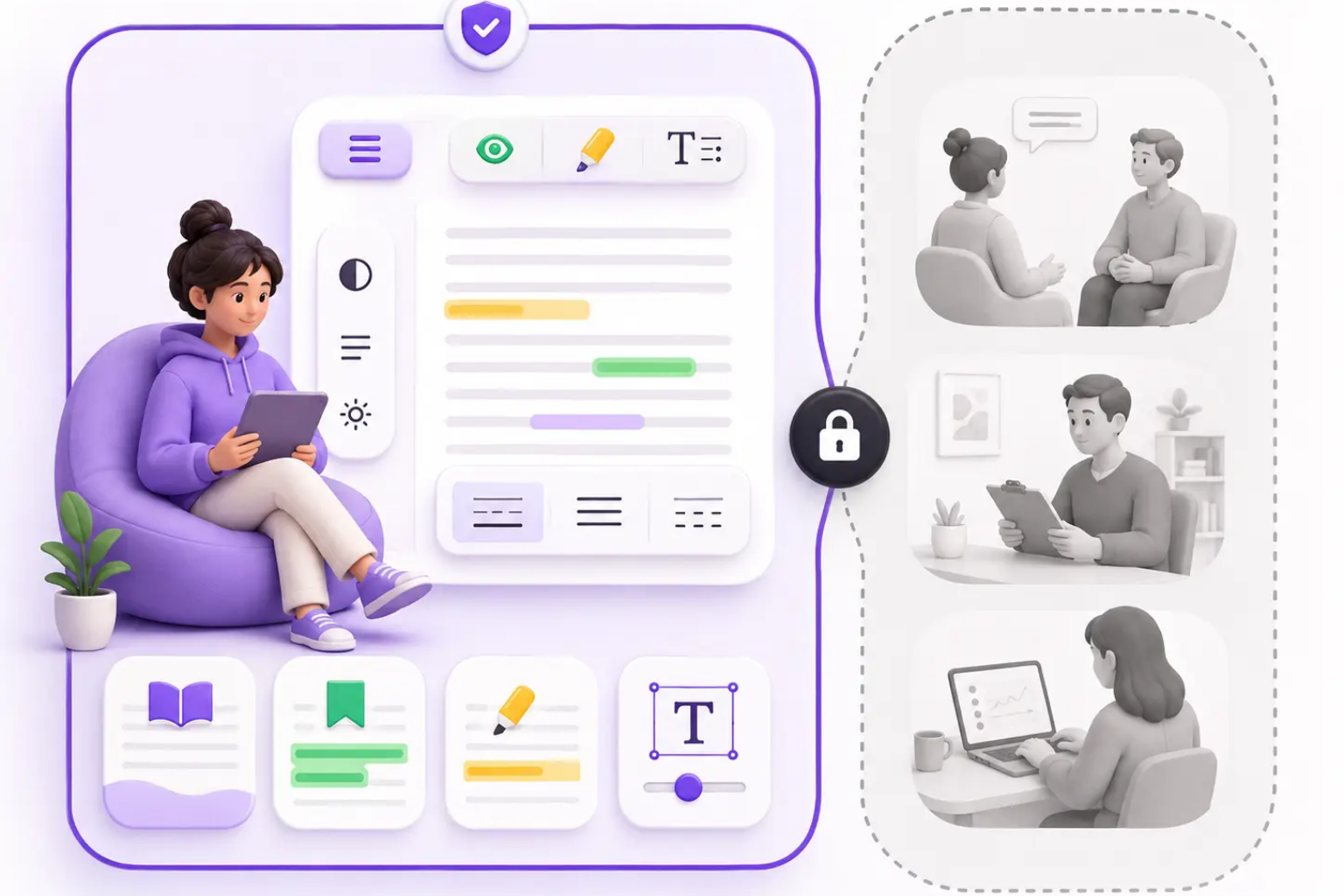
Privacy-first does not mean the privacy-first ADHD reading extension can do nothing. A privacy-first ADHD reading extension still needs to inspect visible text in order to apply bionic emphasis, semantic highlights, focus overlays, typography controls, and site preferences. The important distinction is local browser processing versus server upload. Local access can be necessary for formatting; cloud upload should require a separate, explicit reason.
This privacy-first ADHD reading extension distinction should be visible before installation. Users should understand that a privacy-first ADHD reading extension can change the page locally, save settings locally, and avoid sending routine reading content to a server. If a future feature needs cloud processing, it should be optional, clearly labeled, and easy to disable.
Sensitive by default
Local browser processing
Explicit cloud choices
Visible before install
Permissions a privacy-first ADHD reading extension may need
A privacy-first ADHD reading extension may need permission to run on pages because it cannot style text it cannot see. This can sound alarming, so the product must explain the purpose in plain language. For a privacy-first ADHD reading extension, the permission is needed to find readable text, add visual anchors, adjust typography, dim distractions, remember site settings, and let users turn the feature off when needed.
A privacy-first ADHD reading extension should avoid vague permission explanations such as improve your browsing experience. Users need specific answers: what is read, what is changed, what is stored, what is never uploaded by default, and how to delete local data. The permission page should match the Chrome Web Store listing and the extension UI so there are no conflicting claims.
Permission minimization also matters for a privacy-first ADHD reading extension. If broad host access is required for compatibility, the privacy-first ADHD reading extension should explain why. If narrower access becomes possible later, the product should move toward it. Permissions are not a one-time checkbox; they are part of an ongoing trust contract.
Explain host access
Avoid vague language
Match store listing
Minimize over time
What should stay local
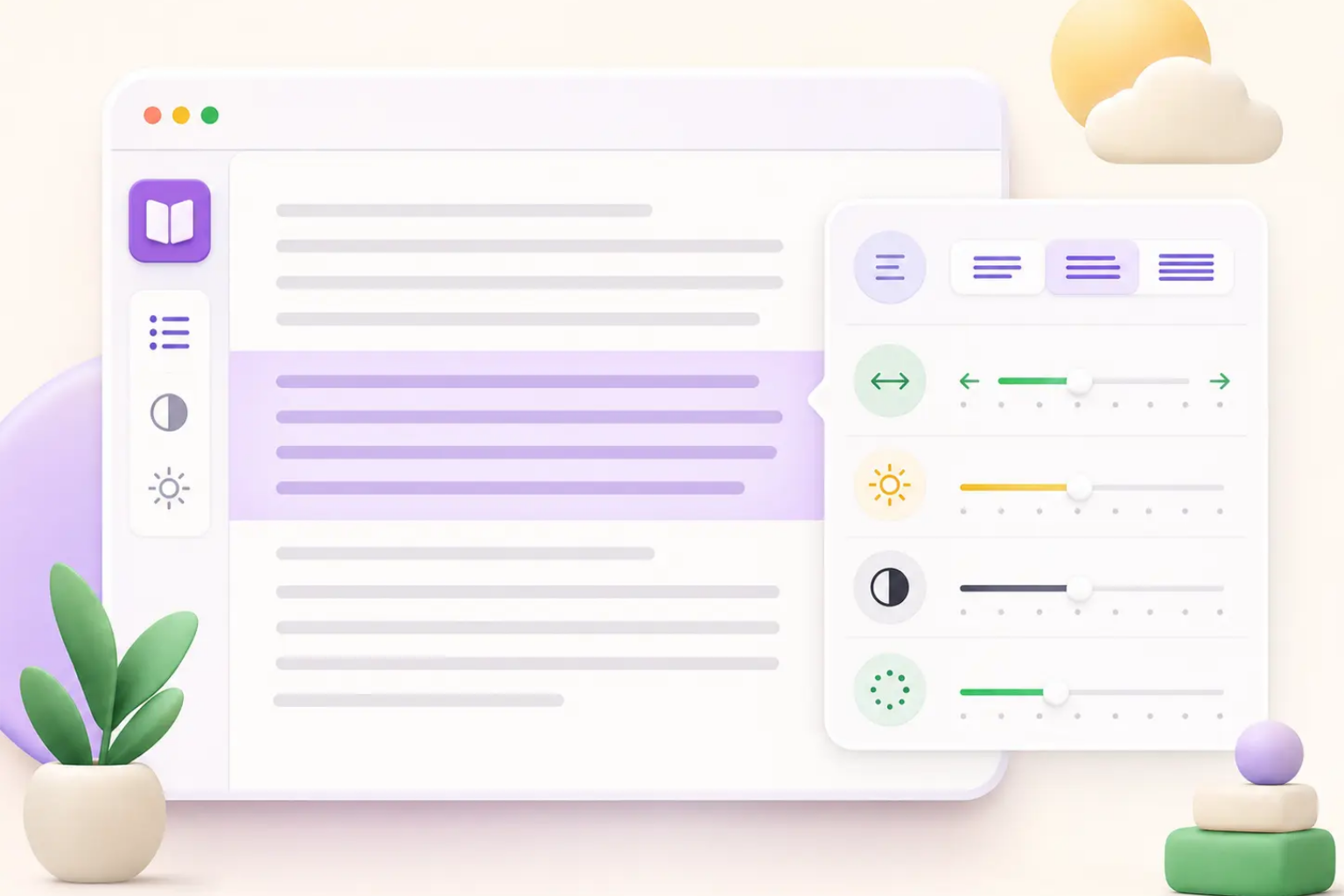
A privacy-first ADHD reading extension should keep routine reading transformations local. Bionic word emphasis, semantic highlighting rules, focus overlays, line height, font size, contrast, max width, and site memory can be handled in the browser for the core experience. That keeps private reading material away from unnecessary servers.
Settings should also be handled carefully by a privacy-first ADHD reading extension. A privacy-first ADHD reading extension can store preferences such as mode, intensity, typography, and site-level enablement. It does not need to store full page text to remember that a user prefers wider spacing on a documentation site. Site memory should store preferences, not the article itself.
Local-first design in a privacy-first ADHD reading extension should include deletion. Users need reset defaults, disable on this site, export settings, import settings, and delete local data controls. A privacy-first ADHD reading extension is more trustworthy when users can undo changes, leave a site untouched, and remove stored preferences without contacting support.
Formatting stays local
Settings not page text
Site memory boundaries
Delete local data
How optional AI should work later
A privacy-first ADHD reading extension may eventually offer AI summaries, concept extraction, action capture, or comprehension prompts. Those features can be useful, but they change the privacy model. A summary cannot be generated by a remote model unless selected text, page text, or user notes leave the device. A privacy-first ADHD reading extension must make that moment obvious.
Optional AI in a privacy-first ADHD reading extension should ask before sending content. It should explain what is sent, why it is needed, whether it is stored, how long it is retained, and how the user can delete or avoid it. A privacy-first ADHD reading extension should also offer non-AI local workflows whenever possible, such as user highlights, manual notes, reading receipts, and local-only checkpoints.
The product should never blur local formatting and remote analysis. A user who enables focus mode should not unknowingly enable cloud processing. A privacy-first ADHD reading extension should separate the controls, language, and defaults so people can choose reading support without accidentally sharing sensitive text.
Ask before upload
Explain data flow
Separate local and AI
Keep non-AI workflows
Data flow users should be able to understand
A privacy-first ADHD reading extension should be able to describe its data flow in one paragraph: the web page loads, the extension finds visible text in the browser, the extension applies local reading styles, local settings are saved if the user chooses, and routine page content is not uploaded for formatting. That sentence should appear in product pages, permission pages, and onboarding.
The privacy-first ADHD reading extension data flow should also explain support and billing boundaries. If a user contacts support at support@adhd-reading.com, they should not send confidential page content. If future billing or account features exist, account data and payment data should be separated from reading content. A privacy-first ADHD reading extension should not mix payment identity with a history of what someone reads.
Data flow clarity helps anxious users install with confidence. It also helps educators, accessibility consultants, and IT reviewers evaluate the product. A privacy-first ADHD reading extension can become a trust asset when its privacy story is specific enough to audit and simple enough to understand.
Readable data flow
Support boundaries
Billing separation
Audit-friendly language
User controls that build trust
A privacy-first ADHD reading extension should give users control inside the product, not only in a policy page. The popup should show whether the extension is active, which mode is selected, and how to disable it on the current site. The options page should offer reset, import, export, and clear local settings. Trust grows when controls are close to the moment of concern.
Users of a privacy-first ADHD reading extension also need gentle failure states. If a page is incompatible, the privacy-first ADHD reading extension should explain that the layout may not support safe formatting and offer a reset. It should not silently break the page or force repeated reloads. A reading tool should make the page calmer, not more stressful.
Finally, a privacy-first ADHD reading extension should include medical boundaries, because a privacy-first ADHD reading extension must also be honest about what it cannot do. It can support reading workflows, but it should not claim to diagnose ADHD, treat ADHD, or replace professional support. Trust is not only about data. It is also about honest promises.
Site-level disable
Reset and clear data
Compatibility fallback
No medical overclaims
Frequently asked questions
Privacy-First ADHD Reading Extension FAQ
What is a privacy-first ADHD reading extension?
It is a reading extension that treats page content as sensitive, keeps routine formatting local, explains permissions clearly, and gives users control over settings and data.
Does page permission mean content is uploaded?
No. Page permission can allow browser-side formatting. Uploading content should be a separate optional action with clear explanation.
What data should site memory store?
Site memory should store preferences such as mode and typography for a site, not full article text or private page content.
Can a privacy-first extension use AI?
Only if AI features are optional, visible, and clear about what text is sent outside the browser.