Bionic reading for ADHD can be useful when paragraphs feel flat, lines blur together, or the first step into a dense article feels harder than the article itself.
What bionic reading for ADHD means
Bionic reading for ADHD is a visual formatting approach that emphasizes the beginning of selected words so the eye has stronger anchors while moving through a sentence. The idea is simple: if the start of a word is easier to notice, the next movement may feel less effortful. For some readers, bionic reading for ADHD can make a paragraph feel less like a wall and more like a path.
That does not mean bionic reading for ADHD is a treatment, diagnosis tool, or guaranteed solution. ADHD affects attention, motivation, working memory, emotional state, time awareness, and task switching. Text formatting can reduce some visual friction, but it cannot make a boring task meaningful, explain difficult ideas, or replace support from educators, clinicians, or coaches. A responsible page about bionic reading for ADHD should explain both the possible benefit and the boundary.
The best use case is often first-pass reading. When a student, researcher, or knowledge worker opens a long page, bionic reading for ADHD can help the eyes start moving. Once the page feels less intimidating, the reader can combine visual anchors with goals, notes, short reading loops, and breaks. The formatting is not the whole strategy; it is a support layer that helps the strategy begin.
Visual word anchors
First-pass scanning
Lower startup friction
No medical claims
How bionic reading for ADHD may help
Bionic reading for ADHD may help when a reader repeatedly loses the current line. Emphasized word starts create small landmarks across the paragraph. These landmarks can make it easier to return after a distraction, phone notification, room noise, or wandering thought. The benefit is not that the page becomes effortless. The benefit is that recovery can become faster.
Bionic reading for ADHD may also help with scanning. Many readers with ADHD do not read in a smooth top-to-bottom rhythm, especially when the page includes sidebars, comments, ads, links, and popups. Visual anchors can make headings, sentences, and key terms easier to skim before deep reading. That preview gives the brain a map of the page, which can reduce avoidance.
Another benefit is confidence. Dense text can trigger a fast emotional reaction: this will take forever, I will not remember it, I should do something else first. Bionic reading for ADHD can make the first paragraph look more approachable. When the first minute feels possible, the rest of the reading session has a better chance of happening.
Recover after distraction
Skim before deep reading
Create a page map
Build reading momentum
Where bionic reading for ADHD falls short
Bionic reading for ADHD does not automatically improve comprehension. A reader can move through words faster and still miss the argument, forget the evidence, or fail to connect ideas. If the text is technical, abstract, emotionally stressful, or poorly written, visual anchors are only one part of the solution. Readers still need a purpose, a note-taking method, and a way to check understanding.
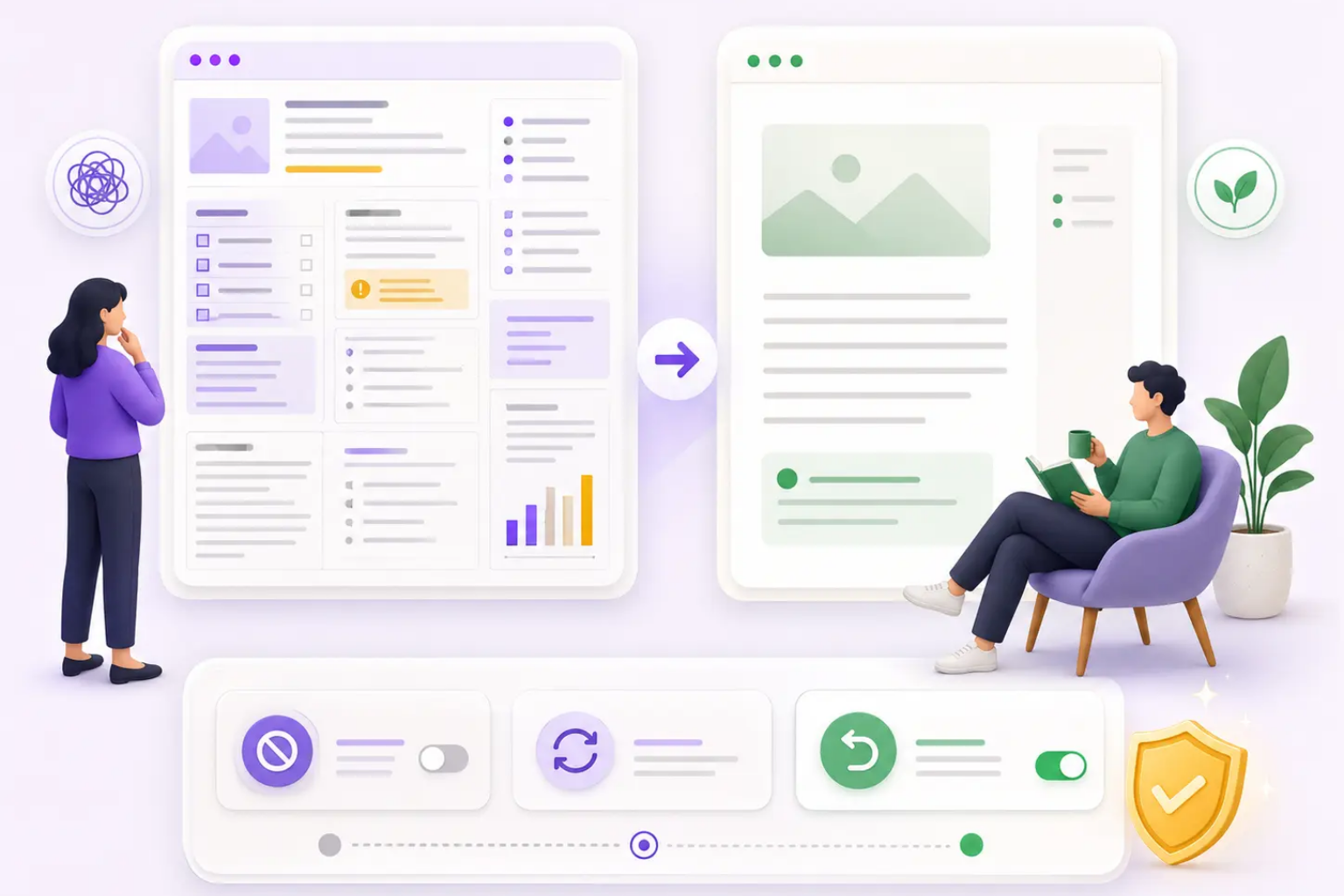
Bionic reading for ADHD can also become too visually busy. If every word is emphasized too strongly, the page may feel loud. Some people prefer light emphasis, some prefer semantic highlighting, and some prefer no bionic effect at all. ADHD Reading should therefore make intensity adjustable and reversible. A good reading tool respects the reader who says, this helps today, but not right now.
The biggest limitation is context. Reading challenges can come from fatigue, anxiety, dyslexia, sleep, medication timing, environment, language difficulty, or task importance. Bionic reading for ADHD should be presented as one assistive option inside a broader reading system, not as a universal answer.
Not a comprehension guarantee
Can feel visually busy
Needs adjustable intensity
Context still matters
How to combine bionic reading for ADHD with other strategies
Start with a reading purpose. Before turning on bionic reading for ADHD, write one short goal: find three arguments, understand the setup steps, collect definitions, or decide whether the article is worth deeper reading. A visible purpose keeps the formatting connected to a task. Without a purpose, even a calmer page can become another place to wander.
Next, preview the page. Use bionic reading for ADHD to skim headings, first sentences, captions, bold terms, and summary sections. Then read in short loops. A loop can be eight to twelve minutes, followed by one sentence of notes. This gives the brain a restart point. If attention breaks, the reader can continue from the last note instead of feeling that the whole article disappeared.
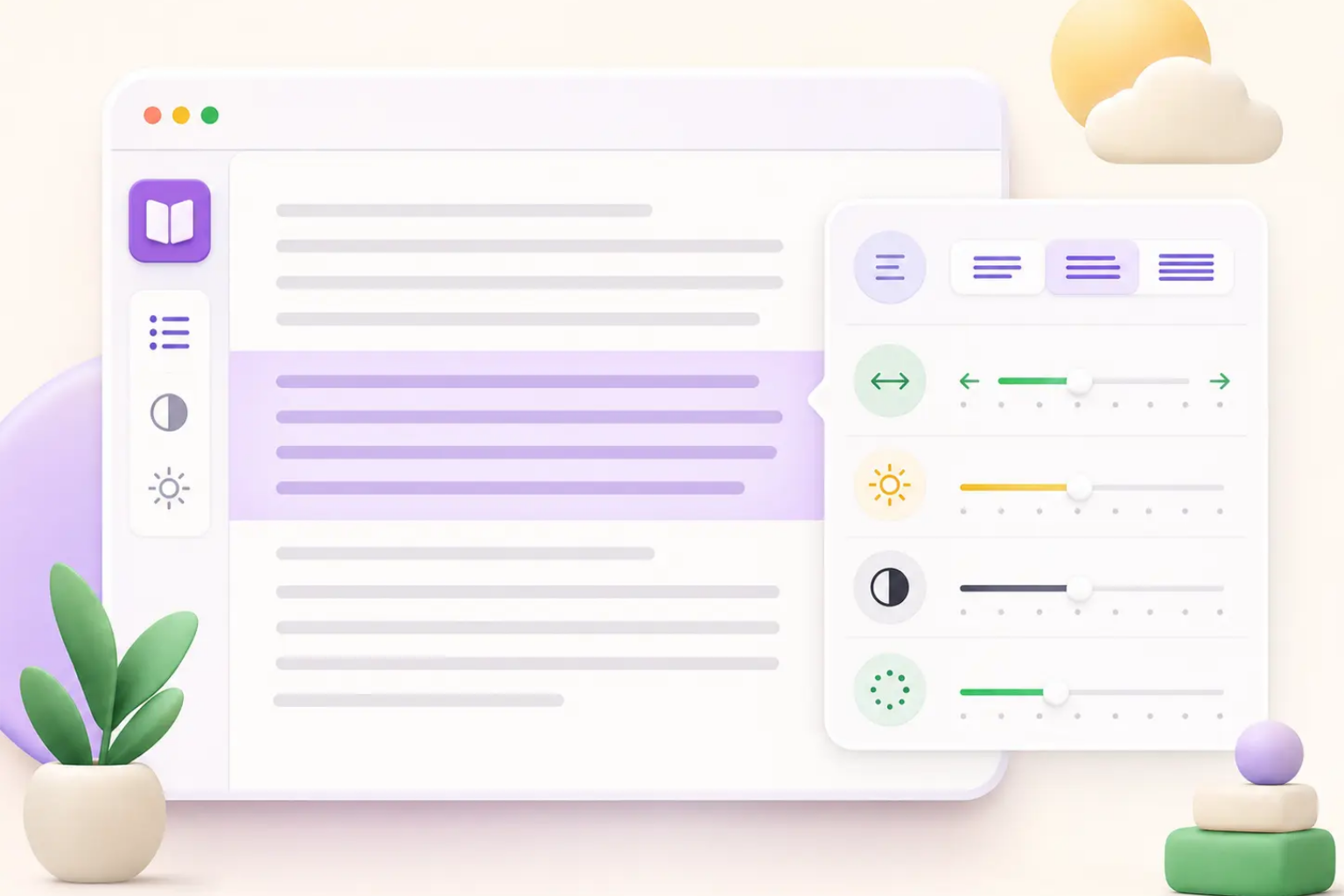
Finally, add focus support when the environment is noisy. Bionic reading for ADHD works best with typography controls, line height, calmer width, semantic highlights, and focus overlays. Each layer should solve a different problem: anchors for movement, spacing for comfort, highlights for meaning, focus overlay for distraction, and notes for memory.
Set a purpose
Preview first
Use short loops
Pair with focus overlays
Privacy and product design for bionic reading for ADHD
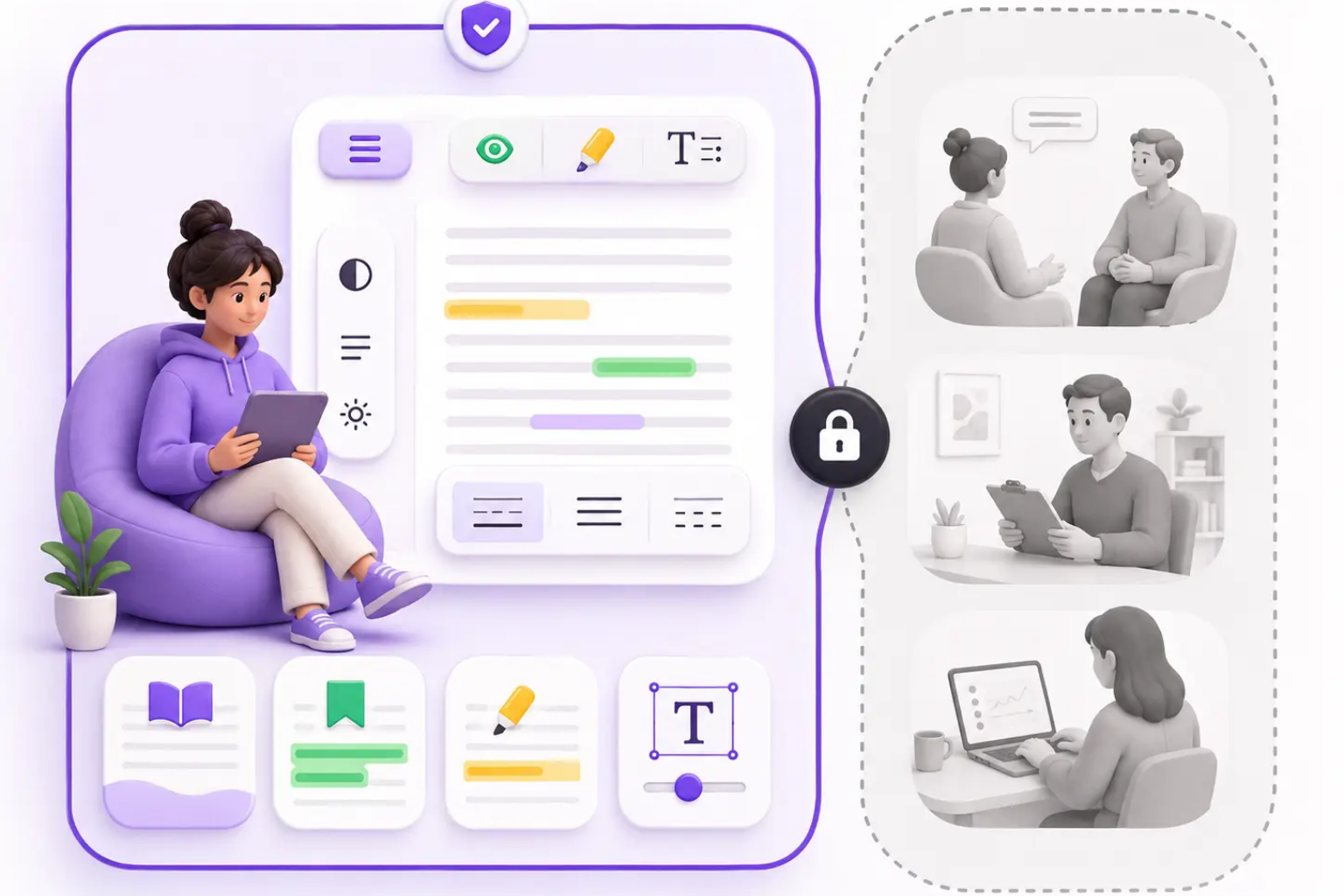
A bionic reading for ADHD tool should not require uploading every page you read just to change typography. Routine formatting can happen locally in the browser. This matters because readers may use the tool on school portals, work documents, health pages, legal information, private emails, and financial articles. Page content should be treated as sensitive by default.
If a future product adds AI features around bionic reading for ADHD, such as summaries or concept extraction, the user should choose when text is sent outside the device. The product should explain what is uploaded, why it is needed, how long it is kept, and how to turn it off. Privacy should not be a hidden policy paragraph; it should be visible inside the product experience.
ADHD Reading is being designed around that local-first principle. Routine reading adjustments should happen in the browser, support questions can go to support@adhd-reading.com, and users should not send confidential page content when reporting compatibility issues. A privacy-first bionic reading for ADHD workflow should help people read without making them wonder who else is reading with them.
Local-first formatting
Sensitive page content
Optional future AI
Clear support channel
Who should try bionic reading for ADHD
Students should try bionic reading for ADHD when reading assignments feel hard to start, especially if the problem is visual overwhelm or repeated rereading. It can help with the first pass through articles, textbook-like web pages, documentation, and research summaries. Students should still use notes, prompts, and breaks so reading turns into understanding.
Knowledge workers should try bionic reading for ADHD on long emails, project documents, policies, help centers, and technical guides. The goal is not to read every word with maximum intensity. The goal is to locate structure, understand what requires action, and stay with the current paragraph long enough to make a decision.
Everyday readers can try bionic reading for ADHD on newsletters, news, personal finance explainers, health information, and complex instructions. If the effect feels helpful, keep it light. If it feels distracting, reduce intensity or switch to focus and spacing controls. The reader should remain in charge of the page.
Students
Knowledge workers
Everyday readers
Reader-controlled intensity
Frequently asked questions
Bionic Reading for ADHD FAQ
Is bionic reading for ADHD a treatment?
No. Bionic reading for ADHD is a visual formatting strategy, not medical advice, diagnosis, or treatment.
Does bionic reading for ADHD work for everyone?
No. Some readers find visual anchors helpful, while others prefer spacing, focus overlays, semantic highlights, or no formatting change.
Can bionic reading for ADHD improve comprehension?
It may reduce friction for some readers, but comprehension still depends on goals, notes, background knowledge, and the difficulty of the text.
Should bionic reading for ADHD upload my page content?
Routine formatting should happen locally in the browser. Any future cloud or AI feature should be optional and clearly explained.