ADHD Reading vs Bionic Reading is not just a feature comparison. It is a question about whether readers need word emphasis alone or a complete reading workflow.
The core difference
ADHD Reading vs Bionic Reading starts with a simple distinction. Bionic Reading is usually a visual formatting idea: emphasize parts of words so the eye has stronger anchors. ADHD Reading is designed as a broader reading environment for people who need help starting, following, restarting, and remembering online text. The ADHD Reading vs Bionic Reading comparison matters because many readers need more than word emphasis when pages are long, distracting, or emotionally loaded.
In an ADHD Reading vs Bionic Reading decision, Bionic Reading can be a useful layer. It may help dense paragraphs feel less flat. It may help the eye move through sentences with less hesitation. But Bionic Reading does not automatically define a reading goal, reduce sidebars, create checkpoints, explain permissions, preserve site settings, or help a reader return after attention breaks. ADHD Reading is meant to combine several layers around the full session.
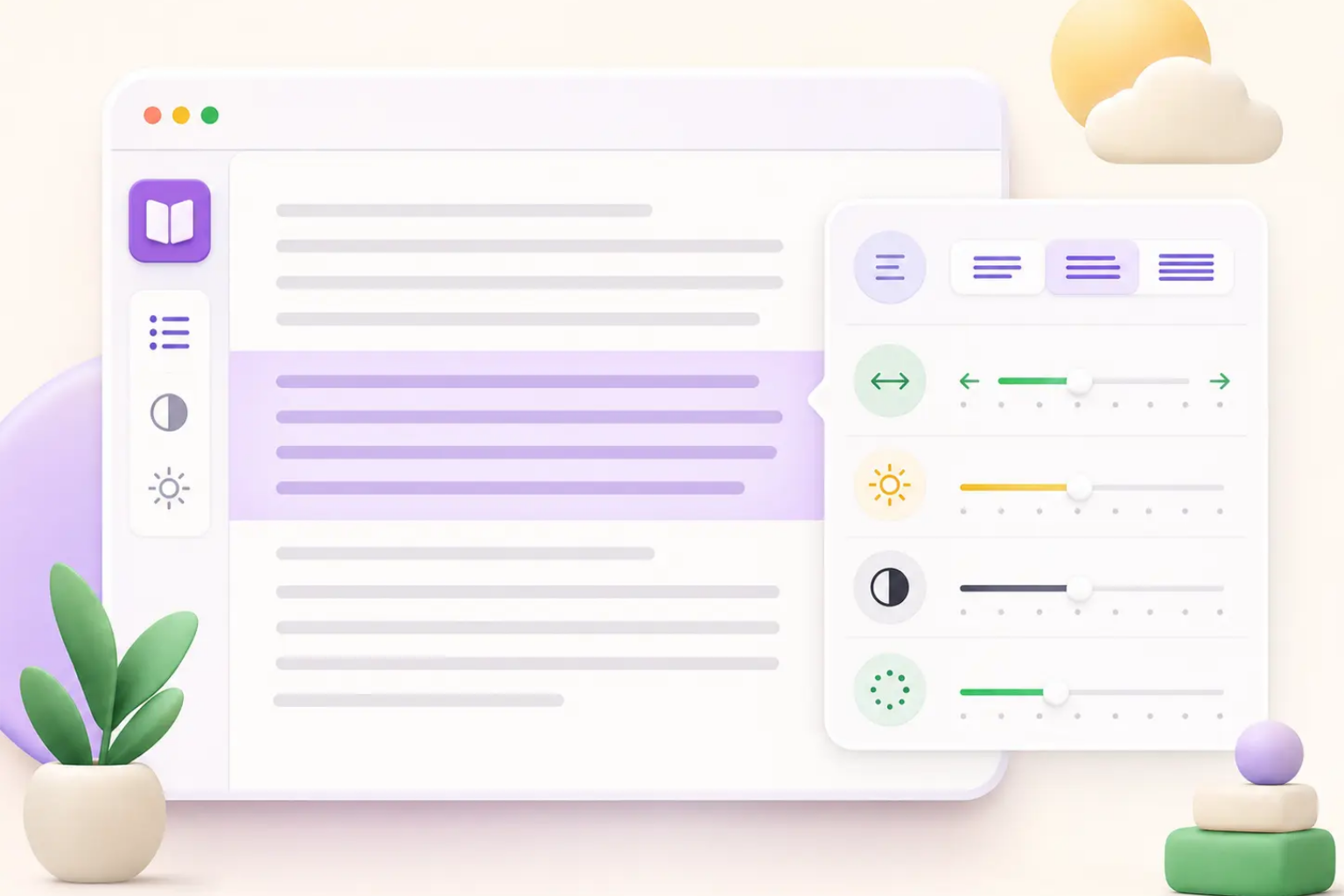
The best way to think about ADHD Reading vs Bionic Reading is scope. Bionic Reading is a text emphasis technique. ADHD Reading is a privacy-first browser reading system that can include bionic cues, semantic highlights, focus overlays, typography controls, reading modes, timers, and future recall workflows. In ADHD Reading vs Bionic Reading terms, one is a formatting layer; the other is a task-based support model.
Formatting layer
Reading workflow
Focus recovery
Task-based modes
Where Bionic Reading helps
A fair ADHD Reading vs Bionic Reading comparison should acknowledge that Bionic Reading can help some readers. Word-start emphasis can make the first movement into a sentence easier. When a paragraph looks like a wall, bionic cues may create a visible path. For readers who skim, lose their place, or get stuck before starting, this can reduce friction enough to begin, which is why ADHD Reading vs Bionic Reading should give Bionic Reading credit for narrow visual support.
Bionic Reading may also support first-pass scanning. In an ADHD Reading vs Bionic Reading comparison, this is one of the strongest use cases for Bionic Reading. A reader can scan headings, sentences, and key phrases more quickly when the eyes have repeated anchors. That preview can make a long page feel less unknown, and ADHD Reading vs Bionic Reading should separate that scanning benefit from broader comprehension support.
However, the benefit is personal and context dependent. Some readers love heavy emphasis. Some prefer light emphasis. Some find it visually noisy. ADHD Reading vs Bionic Reading should therefore not be framed as one universal winner. The ADHD Reading vs Bionic Reading question is whether the reader needs only visual anchors or a wider set of controls for focus, comfort, privacy, and recall.
Word-start anchors
First-pass scanning
Lower startup friction
Adjustable intensity
Where Bionic Reading falls short
The limits are important in an ADHD Reading vs Bionic Reading comparison. Bionic emphasis does not guarantee comprehension. A reader can move through words faster and still miss the argument, forget the evidence, or fail to connect the ideas. When the task is studying, research, legal reading, technical documentation, or work decisions, ADHD Reading vs Bionic Reading shows that comprehension usually needs structure beyond the visual shape of words.
Bionic Reading also does not solve page clutter. A page can have emphasized words and still be surrounded by ads, comments, recommendation widgets, sticky videos, and unrelated navigation. In an ADHD Reading vs Bionic Reading evaluation, the broader tool should reduce visual escape routes and help the current paragraph feel stable. In ADHD Reading vs Bionic Reading, focus overlays and reader modes address a different problem than word emphasis.
Another limitation is restart support. ADHD readers often need to return after a distraction. Bionic cues can help locate words, but they do not create checkpoint notes, timers, reading stats, or mode-based routines. ADHD Reading vs Bionic Reading becomes clearer when you ask what happens after attention breaks. ADHD Reading vs Bionic Reading is therefore partly about recovery, because ADHD Reading is designed around recovery, not just initial movement.
Not comprehension by itself
Does not remove clutter
Limited restart support
No task workflow alone
How ADHD Reading expands the workflow
ADHD Reading vs Bionic Reading becomes more useful when the session is divided into before, during, and after reading. Before reading, ADHD Reading can support a mode choice: study, work, research, email, or low-energy. That mode gives the reader a starting routine instead of a blank settings panel. In ADHD Reading vs Bionic Reading, Bionic Reading generally focuses on how text looks during reading, not how the session begins.
During reading, ADHD Reading can combine bionic-style cues with semantic highlights, typography controls, focus overlays, keyboard shortcuts, and site memory. In an ADHD Reading vs Bionic Reading comparison, this combination matters because each layer solves a different problem. Bionic cues support eye movement. Semantic highlights support meaning. Typography supports comfort. Focus overlays support attention. Site memory supports repeat use.
After reading, ADHD Reading can grow toward checkpoints, saved takeaways, local exports, and revisit queues. This is where ADHD Reading vs Bionic Reading becomes a workflow comparison rather than a visual comparison. In ADHD Reading vs Bionic Reading, a reader who needs to remember what changed in their understanding needs a trace, not only emphasized word starts.
Before-reading modes
During-reading layers
After-reading recall
Reusable routines
Privacy and trust differences
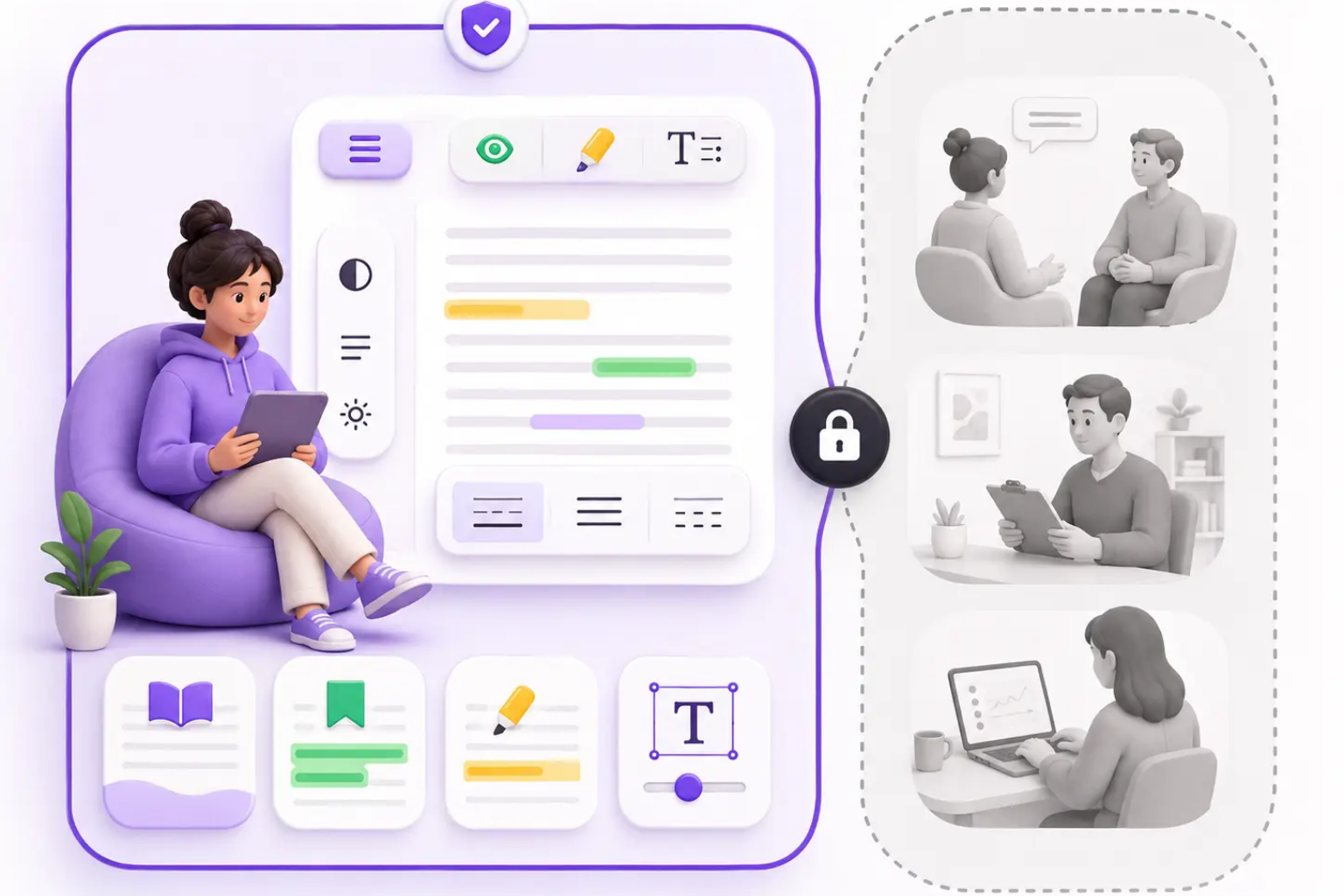
Privacy belongs in every ADHD Reading vs Bionic Reading decision because reading tools may interact with sensitive page content. Users may open school portals, workplace documents, health information, legal pages, finance articles, private messages, or personal writing. A trustworthy tool should explain whether processing happens locally, what permissions are requested, what settings are stored, and whether page text is uploaded; ADHD Reading vs Bionic Reading should include that trust standard.
ADHD Reading is built around a local-first direction. Routine formatting should happen in the browser whenever possible. In an ADHD Reading vs Bionic Reading privacy comparison, the important question is not only whether a feature is helpful, but whether the user understands the data flow. If optional AI or cloud features arrive later, they should be visible, opt-in, and easy to avoid, which makes ADHD Reading vs Bionic Reading a privacy comparison too.
Support workflows should also protect privacy. Users can contact support@adhd-reading.com for questions, but they should avoid pasting confidential page text into support messages. ADHD Reading vs Bionic Reading should include this trust layer because a reading tool that helps focus should not create new privacy anxiety.
Local-first defaults
Clear permissions
Optional AI only
Safe support guidance
Which option should you choose?
Choose Bionic Reading if you mainly want a visual emphasis layer and your pages are otherwise comfortable. In the ADHD Reading vs Bionic Reading choice, this may be enough for readers who only need stronger word anchors while scanning. A simple tool can be the right answer when the problem is narrow, and ADHD Reading vs Bionic Reading should make that choice honest.
Choose ADHD Reading if you need a more complete workflow: reading modes, focus recovery, semantic meaning cues, typography controls, local-first privacy, site memory, shortcuts, timers, and checkpoint routines. ADHD Reading vs Bionic Reading is most important for readers who struggle with long articles, school reading, work documents, emails, cluttered websites, and restarting after distractions.
ADHD Reading is not medical treatment and does not diagnose ADHD. It is a practical browser reading environment, and ADHD Reading vs Bionic Reading helps users decide whether they need that wider environment. The goal of ADHD Reading vs Bionic Reading is not to dismiss Bionic Reading. The goal of ADHD Reading vs Bionic Reading is to show that bionic cues can be one useful layer inside a larger system for calmer, more recoverable reading.
Choose by problem
Use bionic as one layer
Prefer workflow for complex reading
No medical claims
Frequently asked questions
ADHD Reading vs Bionic Reading FAQ
What is the main difference in ADHD Reading vs Bionic Reading?
Bionic Reading mainly emphasizes parts of words, while ADHD Reading is designed as a broader reading workflow with modes, focus tools, typography, privacy controls, and checkpoints.
Is Bionic Reading enough for ADHD readers?
It may help some readers with scanning and word movement, but many readers also need focus overlays, semantic cues, comfort controls, and restart support.
Can ADHD Reading include bionic cues?
Yes. ADHD Reading can use bionic-style emphasis as one layer inside a wider reading system.
Is ADHD Reading medical treatment?
No. ADHD Reading is an assistive reading and productivity product, not diagnosis, treatment, or medical advice.