An ADHD reading mode library gives readers a calm starting point before dense text becomes overwhelming, so each session can begin with a clear purpose instead of another settings decision.
Why an ADHD reading mode library matters
An ADHD reading mode library matters because many readers do not fail at reading for one single reason. Sometimes the problem is starting. Sometimes the page is visually loud. Sometimes a reader understands the words but cannot remember why the page was opened. Sometimes the task is work, sometimes it is school, sometimes it is a stressful email, and sometimes it is a long article that should be useful but feels impossible to enter.
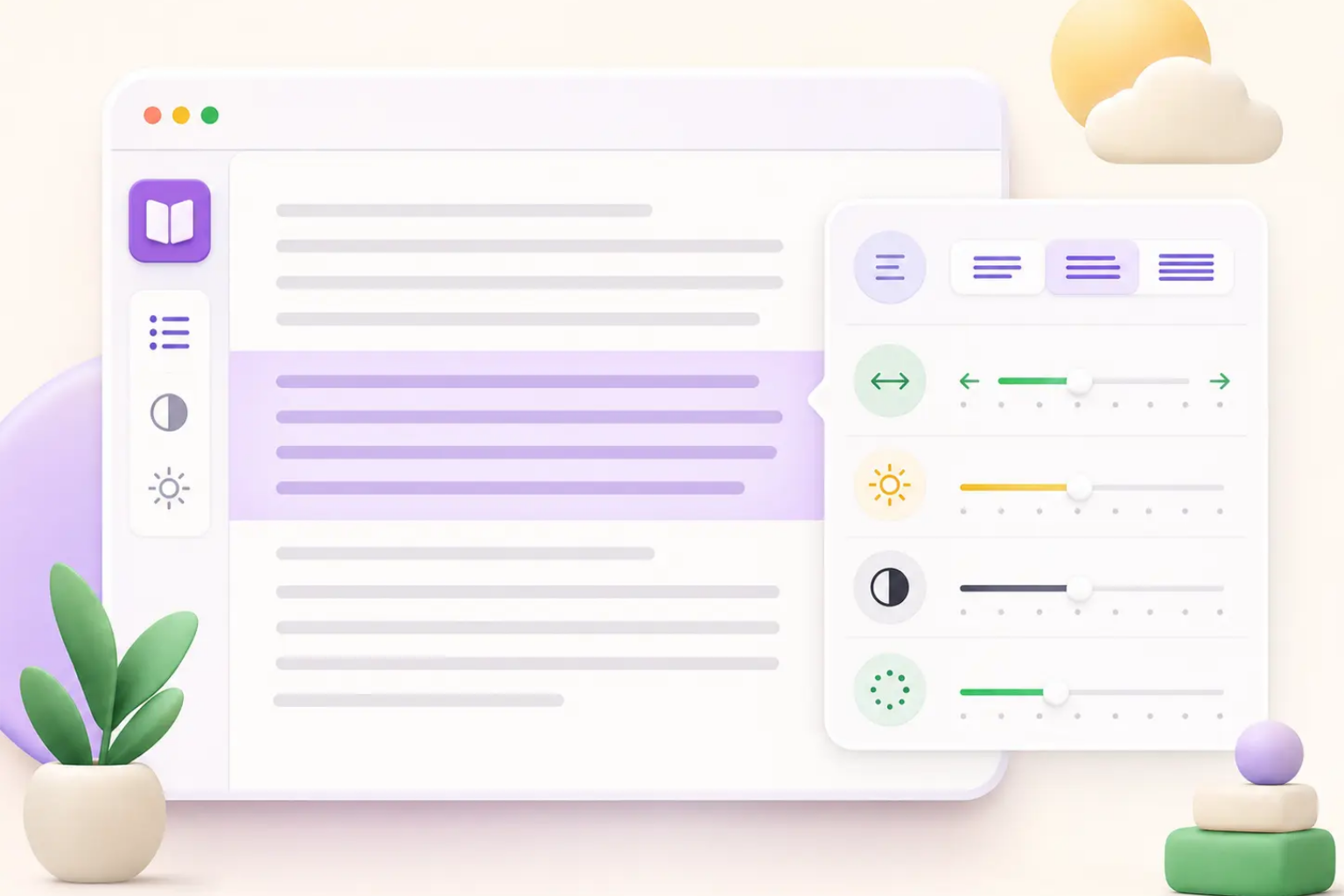
A strong ADHD reading mode library turns those different situations into simple presets. Instead of asking a tired user to tune every slider, an ADHD reading mode library can ask a practical question: what are you trying to do right now? In practice, an ADHD reading mode library should make Study, Work, Research, Email, and Low Energy choices obvious, so each mode can adjust emphasis, spacing, focus, and checkpoints around a different reading job.
This is how ADHD Reading can move beyond a basic highlighter. A highlighter changes text after the reader has already found what matters. An ADHD reading mode library supports the moment before that, when the user needs help choosing a path into the page. The best ADHD reading mode library should feel like a helpful routine, not another complicated dashboard, and an ADHD reading mode library should always make the first choice feel lighter than manual setup.
Task-based presets
Lower setup friction
Reusable reading routines
Calm starting points
Study mode for assignments and learning
Study mode is the first essential preset in an ADHD reading mode library because assignments often fail before real comprehension begins. A student may open a chapter, article, syllabus, or research source and immediately see too many paragraphs, citations, links, and unfamiliar terms. In an ADHD reading mode library, study mode should make the first ten minutes easier by narrowing the page, increasing line comfort, and guiding the reader toward headings, definitions, claims, and examples.
In an ADHD reading mode library, study mode should combine bionic cues with semantic highlights and short checkpoints. The bionic layer can make sentence movement easier. Semantic highlights can surface definitions, dates, names, and terms. Checkpoints can ask for one sentence after a section: what did this part explain? That tiny note creates a restart point if attention breaks later.
Study mode should also be honest about limits. An ADHD reading mode library cannot replace teaching, tutoring, clinical care, or accommodations. It can, however, make the study environment less punishing. For students who lose their place, avoid long readings, or forget what they just read, a predictable ADHD reading mode library study preset can make the next page feel more approachable, especially when the ADHD reading mode library keeps the restart point visible.
Definition cues
Short checkpoints
Section summaries
Assignment-friendly reading
Work mode for documents, policies, and long emails
Work mode is the business layer of an ADHD reading mode library. Many knowledge workers read long emails, project briefs, support docs, policies, contracts, engineering notes, and product requirements every day. The problem is rarely only the words. The problem is that work reading mixes information, decisions, obligations, deadlines, and social pressure. In an ADHD reading mode library, a good work preset should help the reader find what requires action and what can be ignored.
An ADHD reading mode library can make work mode practical by emphasizing action phrases, dates, numbers, owners, risks, and decisions. It can use a calmer width so the page feels less endless, a focus overlay so side navigation does not steal attention, and typography settings that reduce visual fatigue during long sessions. The goal is not to make work documents pretty. The goal is to make them easier to finish with fewer rereads.
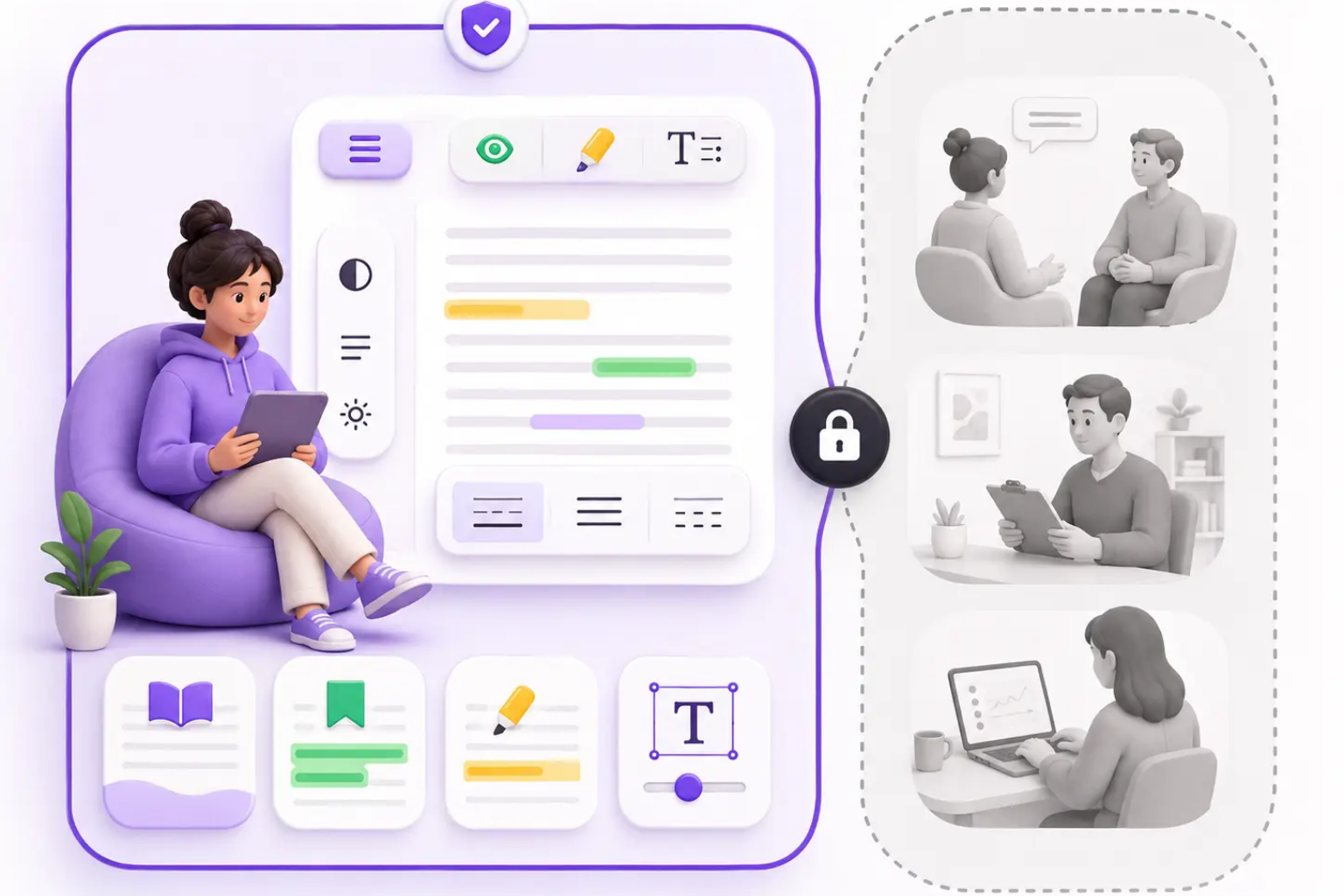
Privacy is especially important for work mode. A workplace document may contain customer data, company plans, financial details, legal language, or private conversations. ADHD Reading should keep routine formatting local in the browser and make any future AI feature optional and visible. A trustworthy ADHD reading mode library treats business reading as sensitive by default, and an ADHD reading mode library should explain privacy in the product interface as clearly as it explains features.
Action extraction
Decision cues
Long-email support
Local-first privacy
Research mode for deep reading
Research mode gives an ADHD reading mode library a deeper workflow for articles, documentation, papers, and multi-tab investigation. Research reading is hard because the reader must hold a question in mind while collecting evidence across many sections. An ADHD reading mode library should reduce that drift, because it is easy to start with curiosity and end with fifteen tabs, no notes, and no clear memory of which source mattered most.
In an ADHD reading mode library, research mode should support preview, capture, and return. Preview means headings and key terms are easy to scan before deep reading. Capture means important definitions, claims, evidence, and open questions can be marked with purpose instead of random color. Return means the reader can restart from a checkpoint rather than rereading the whole page.
Research mode should also include friction against over-collecting. ADHD readers can fall into endless gathering because gathering feels productive and finishing feels risky. ADHD Reading can help by encouraging small loops: read one section, save one takeaway, decide whether to continue. A good ADHD reading mode library makes research feel bounded enough to continue, and an ADHD reading mode library should help the reader decide when a source has already given enough value.
Preview headings
Capture evidence
Restart from checkpoints
Avoid endless tab collecting
Email mode and low-energy mode
Email mode belongs in an ADHD reading mode library because email often creates a fast stress response. A message may be short, but it can contain requests, tone ambiguity, dates, tasks, links, and decisions. In an ADHD reading mode library, email mode should reduce the visual field, highlight direct requests, and help the reader identify whether the next step is reply, save, delegate, schedule, or ignore.
Low-energy mode may be even more important. An ADHD reading mode library should acknowledge that a reader’s capacity changes by time of day, sleep, stress, medication timing, environment, and emotional load. Low-energy mode should use gentle emphasis, wider spacing, fewer colors, and shorter reading loops. It should avoid making the page feel like a productivity challenge when the reader already feels depleted.
Together, email mode and low-energy mode make the product more humane. They show that ADHD Reading is not only for ideal productivity moments; an ADHD reading mode library should also support imperfect sessions, and an ADHD reading mode library should make small progress feel legitimate. An ADHD reading mode library should support messy real life: late-night reading, difficult messages, low motivation, noisy rooms, and the need to make one small next step instead of finishing everything at once.
Request detection
Gentle emphasis
Short loops
Low-pressure reading
How to choose the right mode
The best ADHD reading mode library should make mode selection simple. An ADHD reading mode library should start with the reader’s task, not a technical settings panel. If the goal is to learn and remember, choose study mode. If the goal is to find a decision or obligation, choose work mode. If the goal is to collect evidence across a long source, choose research mode. If the goal is to answer a message, choose email mode. If the goal is simply to begin while tired, choose low-energy mode.
A useful ADHD reading mode library should also allow quick switching. A student may begin in study mode, then switch to research mode for sources. A manager may begin in email mode, then switch to work mode for a linked document. A reader may begin in low-energy mode and later increase emphasis when attention improves. Modes should feel like helpful defaults, not locked identities.
ADHD Reading can use this mode library as a foundation for future product growth: mode analytics stored locally, reusable templates, optional exports, and eventually account-based sync for users who choose it. The immediate promise is simpler. The ADHD reading mode library helps readers stop configuring and start reading with a mode that matches the job in front of them, while the ADHD reading mode library remains flexible enough for users to adjust later.
Choose by task
Switch quickly
Use defaults first
Customize only when needed
Frequently asked questions
ADHD Reading Mode Library FAQ
What is an ADHD reading mode library?
It is a set of task-based reading presets that adjust emphasis, spacing, focus, and checkpoints for situations like study, work, research, email, and low-energy reading.
Which mode should students use first?
Students should usually start with study mode because it supports definitions, headings, short checkpoints, and assignment-friendly reading loops.
Does mode switching replace medical ADHD support?
No. ADHD Reading is an assistive reading product, not diagnosis, treatment, therapy, or medical advice.
Can modes stay private?
Yes. Routine mode changes should happen locally in the browser, and any future cloud or AI feature should be optional and clearly explained.